Step 1: Find a Viral App Idea
The foundation of every successful app lies in one thing — a great idea that solves a real problem.
Here’s what makes an app idea go viral:
- Solve a Painful Problem: Pick something emotional or frustrating (e.g. stress, focus, diet).
- Keep It Simple: You should describe your app in three words or less (e.g. “AI Task Manager” or “Photo Calorie Counter”).
- Make It Sharable: The more useful your app is, the more users will naturally share it.
💡 Example: A productivity app that helps users stay in “deep work” mode by removing distractions and managing tasks through AI chat.

🎨 Step 2: Copy Proven App Designs with Mobbin
Why reinvent the wheel when the world’s top apps have already spent millions perfecting their UI?
- Visit Mobbin.com
- Browse 100,000+ real app screenshots from companies like Spotify, Netflix, and Duolingo.
- Find designs similar to your idea and legally copy their user flow.
- Import them into Figma to adjust colors, logos, or layout.
✅ Pro tip: Focus on simplicity and clarity clean designs increase downloads.
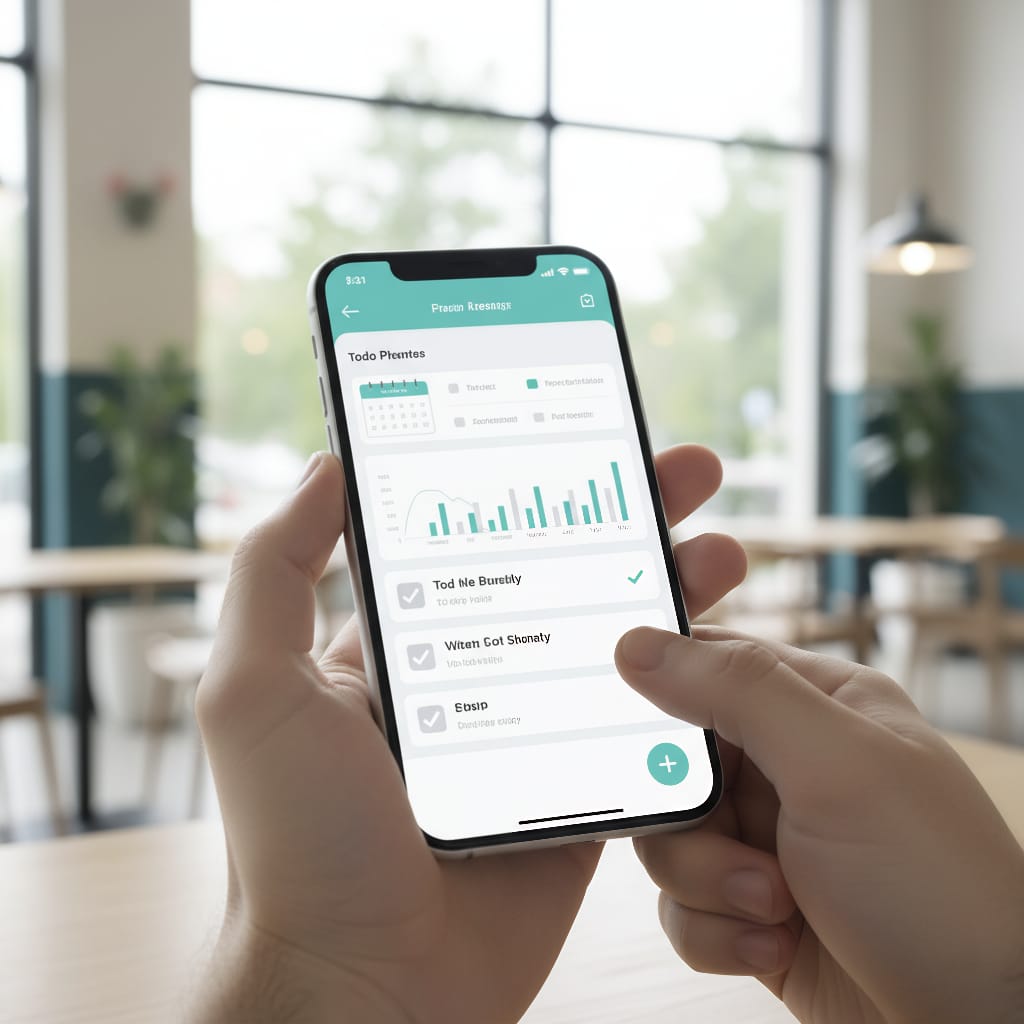
⚙️ Step 3: Build Your App with Cursor AI
Now it’s time to turn your design into a working app — without coding.
🧰 Tools You’ll Use:
- Cursor AI: The main AI coder that writes and edits your code automatically.
- Supabase: Handles your database and user login.
- DeepSeek API: Adds the AI chat feature.
- ChatGPT: Helps structure your app and generate a clear technical plan.
🪄 Steps:
- Create a
context.mdfile that explains what your app should do. - Feed it to Cursor AI — it understands your goal and starts generating the code automatically.
- Use Expo to preview your app on your phone live while building.

📱 Step 4: Test and Improve
Run the app using Expo’s QR system — it will load directly on your mobile device.
Once it’s running:
- Add and organize your tasks.
- Track time with a built-in focus timer.
- Talk to the AI chat to create new tasks automatically.
Then, return to Mobbin to upgrade the UI.
Upload screenshot samples into Cursor AI’s composer and say:
“Use these app designs as inspiration for my UI.”
It will instantly re-style your app to look like a professional product.
🔌 Step 5: Connect the Backend
Now integrate:
- Supabase → stores user data and tasks.
- DeepSeek API → powers AI conversations.
Your app will now:
- Authenticate users with email verification.
- Allow AI to add and manage tasks for users.
- Save everything securely in a cloud database.
☁️ Step 6: Publish to App Stores
When your app is ready, use Expo EAS (Expo Application Services) to publish:
- Buy developer accounts:
- Apple Developer Account: $99/year
- Google Play Account: $25 one-time
- Run these commands:
npm install eas-cli eas login eas build:configure - Follow Expo’s setup wizard to upload to both stores.
And just like that — your AI-built app is live on iOS and Android 🎉
🧠 Final Thoughts
AI has completely changed the way we build.
You no longer need years of coding experience or a big team.
Now, with tools like Cursor, ChatGPT, and Mobbin, you can transform a simple idea into a six-figure business app — all within hours.
So, the next time you get an app idea — don’t just dream it.
Build it with AI.